Navigating Mauritius is easier with digital tools; Google Maps helps travelers explore beaches, cities, and inland attractions with confidence.
Explore the Island with a Google Map Mauritius Guide
Mauritius is a breathtaking island nation located in the Indian Ocean, celebrated for its volcanic landscapes, turquoise lagoons, and rich multicultural heritage. For travelers looking to make the most of their visit, understanding where is Mauritius situated provides essential context for planning your journey and exploring the island efficiently. Utilizing a Google Map Mauritius strategy allows you to visualize routes, discover hidden gems, and organize your days around geography, climate, and points of interest. Whether you’re planning a coastal road trip, a nature expedition, or a cultural tour, mastering digital maps ensures you spend less time guessing directions and more time immersing yourself in the island’s beauty.
Prefer a smarter way to explore? Use Island Route for GPS-guided audio tours instead – commentary plays automatically as you drive past each location.
Navigating the Scenic Coastal Routes
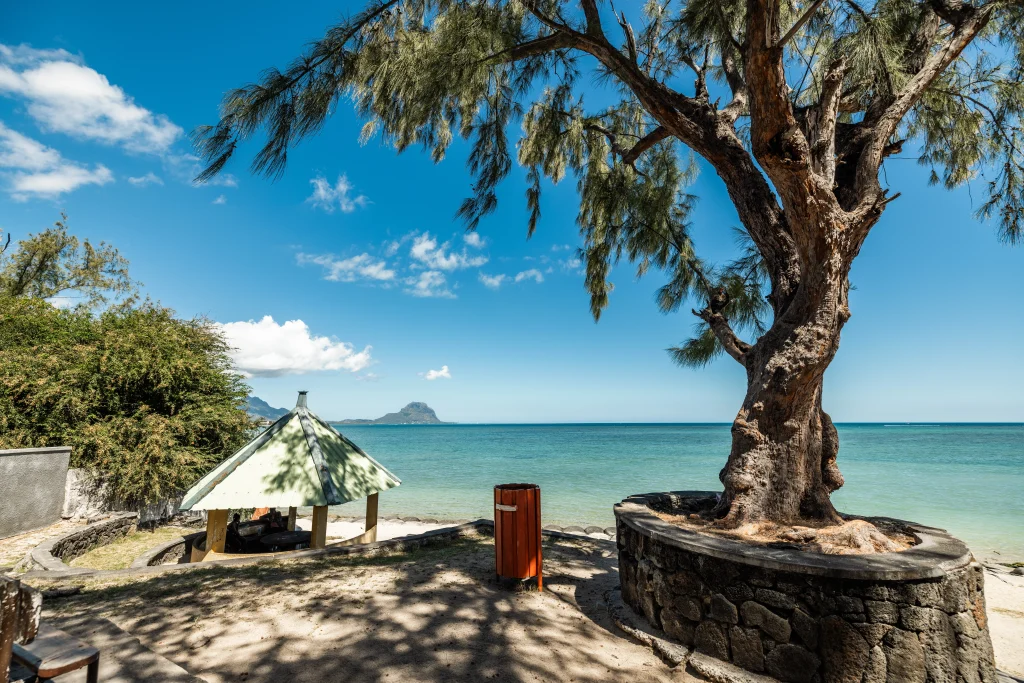
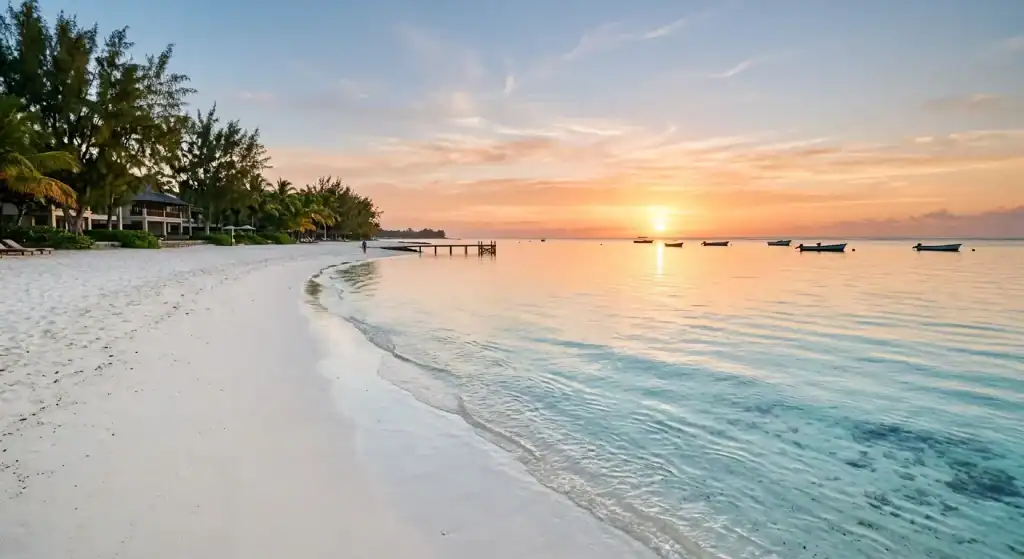
Driving along Mauritius’ coastline offers some of the most spectacular ocean views in the Southern Hemisphere, with every turn revealing pristine beaches, coral reefs, and vibrant local towns. A best beaches in Mauritius map is particularly useful for planning a beach-hopping itinerary, helping you include must-visit spots like Le Morne, Trou aux Biches, Belle Mare, and Flic en Flac. Many travelers also ask, are all beaches in Mauritius public? Using Google Maps, you can quickly identify public access points, parking areas, and nearby amenities, ensuring a smooth beach day.
Tips for Coastal Exploration:
Satellite imagery: High-resolution topographic data allows you to see the reef structures and lagoons from above before you even set foot on the sand. This visual aid is invaluable for photographers and snorkelers looking for the clearest waters.
Street View: Explore coastal towns virtually to find hidden cafes, markets, and scenic viewpoints.Route planning: Group nearby beaches together to reduce travel time and maximize your experience along the coastline.
By integrating these map tools, travelers can plan efficient coastal routes that combine relaxation, adventure, and unforgettable scenic photography opportunities.
Explore North Mauritius
Highlight Grand Baie, Trou aux Biches, Pereybere, and Cap Malheureux. Explain how Google Maps helps visitors find beaches, restaurants, and coastal attractions.
Explore East Mauritius
Cover Belle Mare, Île aux Cerfs, Blue Bay, and nearby lagoons. Mention route planning for beaches and water activities.
Explore West Mauritius
Discuss Flic en Flac, Tamarin, Le Morne, and Black River. Mention scenic drives and sunset spots.
Explore South Mauritius
Include Chamarel, Gris Gris, Rochester Falls, and Black River Gorges National Park. Explain how Google Maps helps navigate inland attractions and hiking routes.
Urban Exploration and Logistic Tools
Knowing what to do in Port Louis is much easier when you can pin landmarks. To navigate the city efficiently, using Google Maps is essential for pinning landmarks such as the Central Market, the Caudan Waterfront, and the Aapravasi Ghat UNESCO site. Urban travel in Mauritius can be challenging due to narrow roads and busy traffic, but with real-time navigation, travelers can move between key attractions safely and confidently. Additionally, tropical weather can change rapidly, so consulting a mauritius weather map alongside your navigation app ensures you remain prepared for sudden rain or sun.
Practical Urban Navigation Features:
Transit options: Identify bus routes, taxi services, and ride-sharing availability.Custom maps: Pin your planned stops to create a personalized itinerary for the day.
Combining these tools helps first-time visitors experience the city efficiently, from exploring cultural sites to enjoying the local cuisine without getting lost or wasting time.
Optimizing Your Google Map Mauritius Experience
Using Google Maps effectively can completely transform your Mauritius trip from a basic sightseeing journey into a seamless, well-organized adventure. While many travelers only use Google Maps for directions, mastering its advanced features lets you explore Mauritius like a local, discover hidden spots, and save time while navigating both urban and rural areas.
Key Google Maps Features to Use
Saved Places: Mark all beaches, restaurants, and landmarks you plan to visit. Creating a custom list ensures you never forget key stops, whether in Port Louis or along the east coast.
Custom Maps: With Google My Maps, you can design your own route maps before arrival, allowing you to see the best way to connect multiple destinations in a single day.
Street View: Preview streets, hotels, and resorts in advance to avoid confusion when arriving in unfamiliar towns. Street View is particularly useful in areas with narrow roads or tricky intersections.
Reviews and Photos: Check reviews and browse photos uploaded by other travelers to prioritize attractions or restaurants, ensuring you choose experiences that match your interests.
Tips for Efficiency
Download offline maps for areas with limited connectivity, such as Le Morne, Chamarel, or rural inland routes.
Use the “Nearby” feature to quickly locate attractions, dining options, and essential services like fuel stations or ATMs.Monitor real-time traffic and road conditions, especially in the busy Port Louis area or during peak tourist seasons.
Planning Hiking and Nature Trips with Google Map Mauritius
Mauritius is famous for its lush forests, waterfalls, and mountainous trails, but exploring them requires careful planning. Google Maps allows you to navigate these areas safely, estimate hiking times, and find trails suited to your fitness level, making your adventure both enjoyable and secure.
Mapping Popular Nature Spots
Black River Gorges National Park: Pin trailheads, scenic viewpoints, and picnic areas to maximize your visit without missing key spots.
Seven Coloured Earths in Chamarel: Check the best access points, nearby parking, and walking paths to enjoy the dunes efficiently.
Tamarind Falls: Identify trailheads and stream crossings, while planning alternate routes in case of high water levels.Le Pouce Mountain: Use elevation features in Google Maps to gauge difficulty and hiking duration for a well-prepared trek.
Navigation Tips for Hikers
Enable offline GPS so you can continue navigating even in areas with weak signal. Check the elevation and terrain details on Google Maps before heading out, as Mauritius trails can vary from gentle slopes to steep volcanic peaks.Save multiple trail routes to adapt your hike based on weather conditions or time constraints.
Discovering Hidden Local Spots Using Google Map Mauritius
Google Maps is not only for mainstream tourist attractions, it can also lead you to hidden gems that many visitors overlook. By exploring the less populated regions and analyzing user-submitted reviews and photos, you can find unique experiences that reveal Mauritius’s authentic culture and natural beauty.
Off-the-Beaten-Path Recommendations
Small fishing villages like Mahébourg provide a glimpse into local life and offer fresh seafood straight from the harbor.
Secluded beaches such as La Cambuse or Gris Gris are perfect for peaceful sunbathing away from crowded resorts.
Scenic viewpoints in the central highlands offer panoramic views of mountains, rivers, and inland plains.Hidden waterfalls like Rochester Falls and lesser-known trails give an adventurous twist to your itinerary.
How to Find Hidden Gems
Explore lesser-known areas using Street View before your visit to get a sense of the route.
Look for smaller roads branching off main highways that often lead to quiet attractions.Ask locals for recommendations and pin these spots directly on your map for easy access.Prioritize off-peak times to enjoy hidden spots without the crowds.
Enhancing Safety and Travel Efficiency with Google Map Mauritius
Traveling around an island like Mauritius is easier and safer when you leverage Google Maps’s full functionality. From real-time traffic updates to offline maps, the platform can help ensure a smooth journey while minimizing risks associated with unfamiliar roads, tropical weather, or isolated areas.
Safety Features to Consider
Real-time traffic alerts allow you to avoid accidents, construction, or unexpected congestion, especially in urban areas like Port Louis.
Offline maps are essential for mountainous trails, rural villages, or remote beaches where cell coverage may be limited.Emergency services locations, including hospitals, clinics, and police stations, can be quickly located to respond to any unforeseen situation.
Travel Efficiency Tips
Use the “Directions” feature to plan multi-stop itineraries, ensuring you minimize travel time between attractions.
Combine nearby attractions in one day to reduce backtracking and fuel consumption.
Set reminders for ferry schedules or boat trips to islands such as Île aux Cerfs to avoid missing departures.Use Google Maps to monitor estimated arrival times and adjust plans dynamically based on real-time traffic or weather conditions.
Discovery Beyond the Main Roads
Mauritius’ interior is a treasure trove of natural wonders, including dramatic waterfalls, highland trails, and protected national parks that are often tucked away from major highways. Digital mapping tools allow travelers to plan routes to these off-the-beaten-path destinations, such as the Black River Gorges, the Seven Coloured Earths, Chamarel Waterfall, and scenic viewpoints along the central plateau. Using these tools provides a deeper understanding of the island’s diverse topography and unique geological formations.
Advanced Mapping Techniques for Inland Exploration:
3D terrain view: Google Earth allows you to explore mountains, hills, and valleys in three dimensions, helping you anticipate elevation changes for hikes.
Trail planning: Highlight and measure walking or hiking trails before your visit.
Points of interest: Discover waterfalls, viewpoints, and eco-tourism spots that are less crowded.Offline maps: Download areas in advance to stay connected in regions with weak mobile coverage.
By preparing with Google Maps and digital terrain tools, travelers can explore Mauritius safely, discover hidden natural gems, and create itineraries that balance adventure with relaxation.
You can use Google Earth to view the mountainous terrain in 3D, providing a realistic preview of hiking trails and elevation changes. To ensure you have these tools at your fingertips, you can download the mobile version from the Google Play Store to keep your maps updated throughout your adventure.
Mastering Your Trip with Google Map Mauritius
Using google map mauritius allows you to plan every aspect of your journey, from scenic coastal drives and city exploration in Port Louis to hiking trails in Black River Gorges and Chamarel. With satellite views, offline maps, and real-time updates, travelers can find beaches, cultural sites, and restaurants while avoiding traffic and weather delays. This tool is essential for maximizing time and discovering hidden gems across the island.
Plan Your Island Adventure with Island Route
Explore Mauritius with Island Route’s audio guides and Google Maps. Plan routes, discover nearby attractions, and enjoy a smarter travel experience across every region of the island.
Visit Island Route to download the app, customize your itinerary, and explore Mauritius like a local.
Frequently Asked Questions
1. Can you use Google Maps in Mauritius?
Yes, Google Maps works throughout Mauritius and is one of the best navigation tools for travelers. It provides driving directions, real-time traffic updates, business information, and walking routes across the island.
2. Can Google Maps be used offline in Mauritius?
Yes, you can download offline maps before exploring Mauritius. This is especially useful when visiting remote areas such as Le Morne, Chamarel, Black River Gorges National Park, and other locations with limited mobile coverage.
3. Is Google Maps useful for finding beaches and attractions in Mauritius?
Google Maps makes it easy to locate beaches, hiking trails, restaurants, waterfalls, and cultural attractions across Mauritius. Features like satellite view, reviews, and saved places help travelers plan efficient routes and discover nearby points of interest.
4. Can Google Maps help with driving around Mauritius?
Yes, Google Maps is helpful for driving around Mauritius because it provides turn-by-turn navigation, live traffic conditions, and estimated travel times. It also helps travelers avoid congestion and plan multi-stop road trips around the island.
5. What Google Maps features are most useful in Mauritius?
Offline maps, satellite imagery, Street View, saved locations, and real-time traffic updates are the most useful Google Maps features for exploring Mauritius. These tools make it easier to navigate cities, coastal roads, hiking trails, and lesser-known attractions with confidence.
Key Takeaways
- Digital maps provide essential real-time navigation for both coastal and urban driving.
- Satellite views assist in finding public access points to the island’s world-class beaches.
- Integrating weather data with your route planning helps avoid tropical downpours.
- 3D visualization tools offer a preview of hiking trails in the mountainous interior.
- Offline map downloads are a critical backup for areas with limited mobile reception.